
Get notified when your favourite iPhone is in stock near you.
Choose the exact model, finish and storage you want. We’ll track Apple Store pickup availability and let you know when it’s ready.
Create an alertBrowse recent stock free—no sign-in needed. Subscribe for alerts and cancel anytime.
Real alerts we sent
People and store coverage reflect active alerts. Delivery metrics cover the last 30 days and measure queue to provider acceptance.
Latest notifications
Loading recent notifications…
How it works
- 1
Pick your iPhone
Choose the model, finish and storage. We use the configurations Apple lists for your region.
- 2
Pick your stores
Search a city or postal code, use Near me, then choose up to five Apple Stores.
- 3
Get notified
Start a subscription to save your alert and get notified when your chosen model is available.
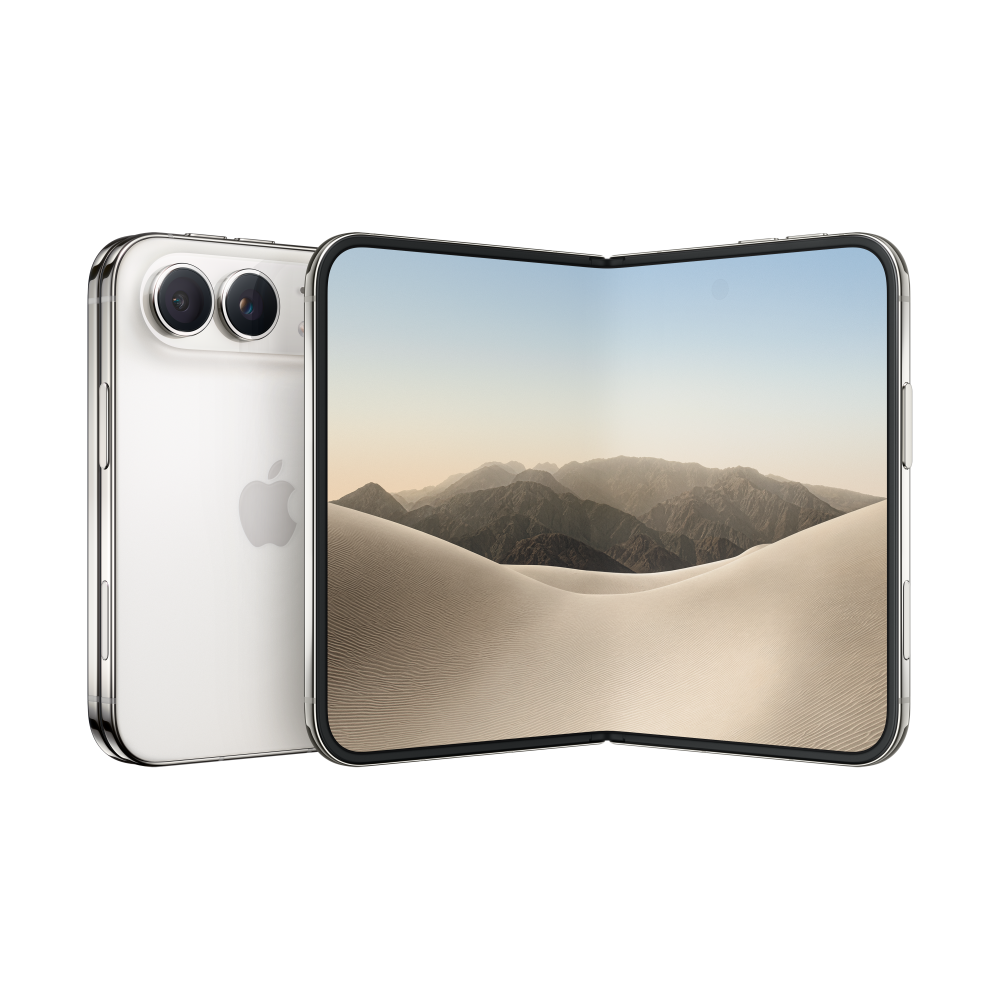
Pick your iPhone Duo
Choose a configuration to see its Apple Store pickup details for your region.
See the iPhone catalogue
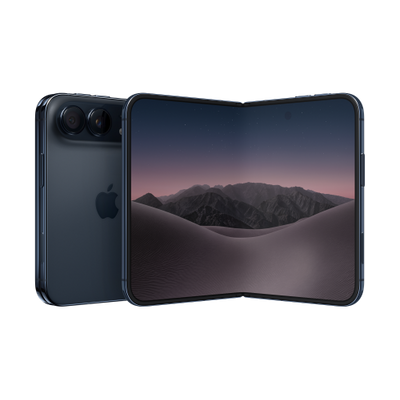
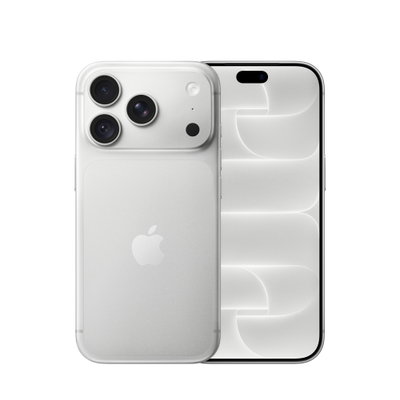
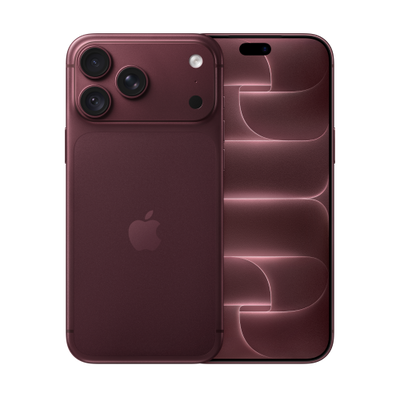
Every current iPhone
Explore the current iPhone models, then choose a region to see its finishes, storage and pickup options.
Swipe or scroll to explore every model
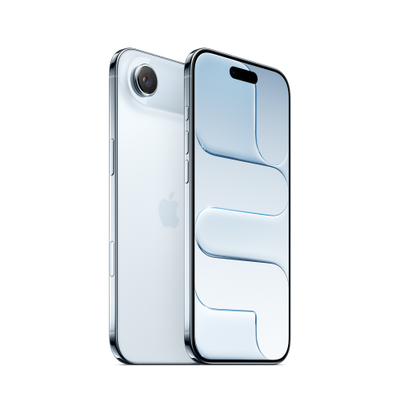
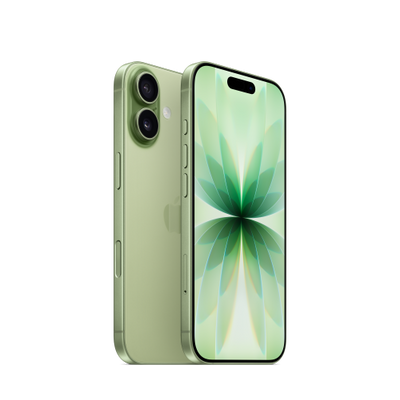
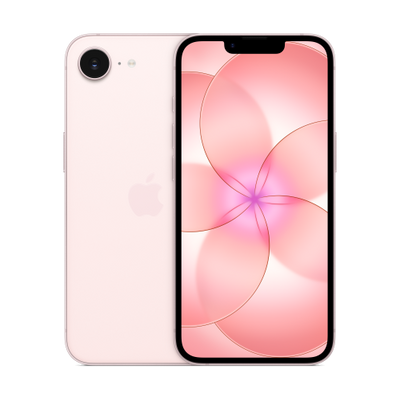
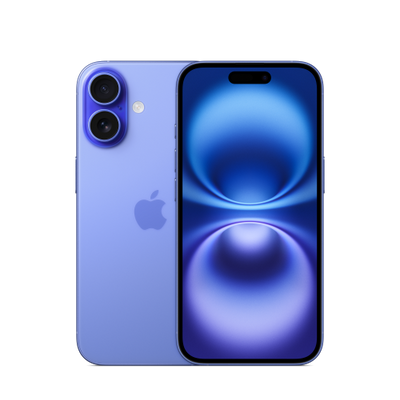
What to expect from an alert
Plans for every shortlist
Choose your alert plan.
Follow exact iPhone configurations and get notified when one is ready at your selected Apple Stores.
Loading current plan prices…
Create an alert Start by choosing your model. You can review live pickup availability before saving it.
Pick your iPhone. We’ll watch the stores.
Check nearby availabilityQuestions
Is this an Apple service?
No. Store Stock Alert is an independent service and is not affiliated with or endorsed by Apple.
How does an alert work?
Choose an iPhone, exact finish and storage, then select Apple Stores. We check Apple pickup availability about once a minute while your alert is active.
How quickly will I know?
Checks run about once a minute. Apple controls pickup inventory and can change it between checks, so an alert cannot guarantee a device will still be available when you open Apple’s order page.
Can I choose stores near me?
Enter a city or postal code, or use Near me to find a nearby place. Apple returns stores for the selected region; you can choose up to five.
Can I use it outside the US?
Yes. Choose an Apple online storefront country, then select the product variants and stores offered in that region.
Can I cancel my subscription?
Yes. Manage or cancel it anytime through the billing portal in your account. Stock alerts remain active through the paid period.
Can I remove a saved alert?
Yes. Sign in and remove saved searches from your account.